
SPITBALLS FROM URANUS / BROWSER PROTOTYPE
Step into
the colony.
Rescue residents. Fight fires. Deliver pizza. Fly the taxi. Explore Titania from the ground—or from your drone’s open viewpoint.
Play in your browser ↗Free prototype · Quest 2 + desktop · version 0.5.1
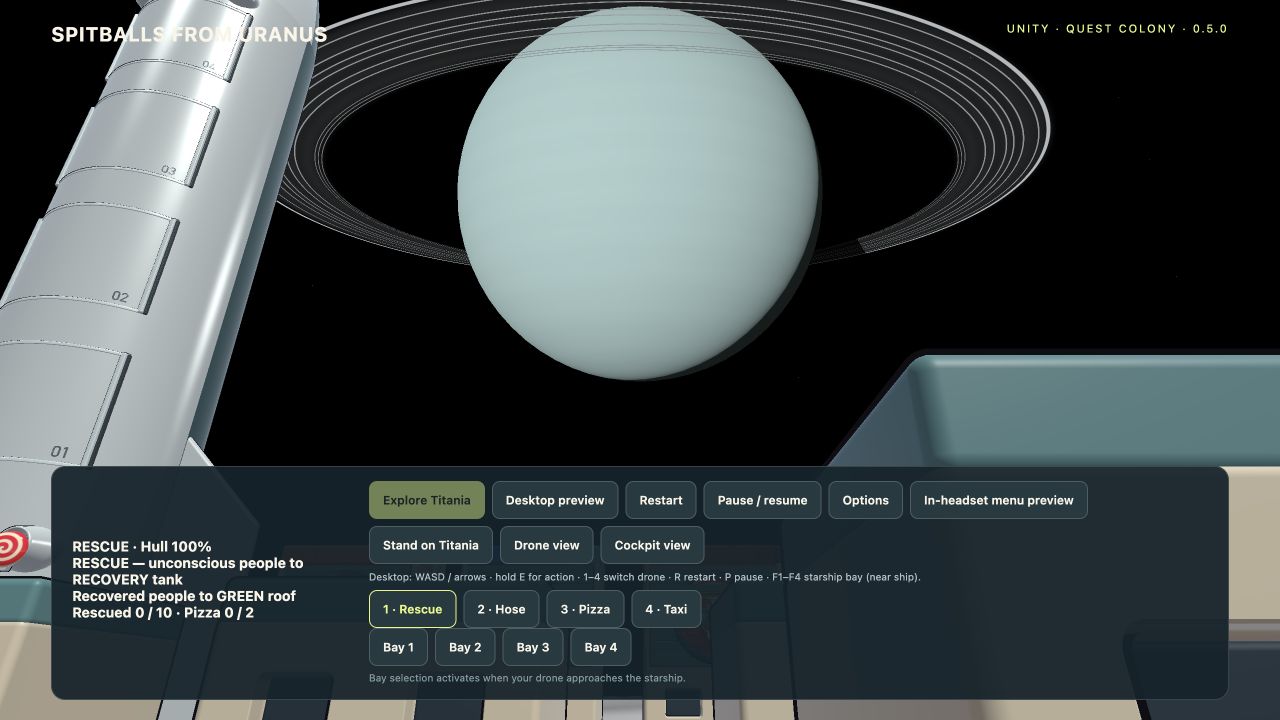
ON QUEST 2
Your colony, at your scale.
- Open this page in your headset’s browser and choose Play in your browser.
- Choose a size, background, picture quality and sound, then enter the experience.
- Click the left thumbstick to open the in-game menu.
Choose 1:1 astronaut height, a floor colony or a tabletop colony. Passthrough uses your room; Titania surrounds you with lunar terrain and a dramatic view of Uranus.
- Right stick: fly your drone
- Right trigger: perform its action
- Y: switch aircraft · X: pause
- A: restart · B: reposition miniature
- Left stick in 1:1: walk / snap turn; onboard: snap turn
ON DESKTOP
Start exploring now.
Choose Desktop preview after the game loads. No installation is required.
- WASD / arrows: fly the drone
- Hold E: perform its action
- 1–4: choose Rescue, Hose, Pizza or Taxi
- P: pause · R: restart
- Tab: open the settings menu
Use Stand on Titania to preview the landscape. The menu offers Normal and Open drone view perspectives, plus Faster, Balanced and Sharper picture settings.
Headset performance and comfort vary. Quest 2 passthrough is grayscale. Stay within your play boundary. The enlarged planet and enhanced ring visibility are artistic choices; Titania’s terrain is an interpretation.
REAL-WORLD INSPIRATION
A distant world, up close.
The atmosphere and rings draw on NASA’s Voyager photograph, Webb’s infrared photograph and NASA’s ring measurements.
Launch the colony ↗